




From your preferred browser, go to the self-service Lehman Login Account Manager (URL: https://managelogin.lehman.edu/).
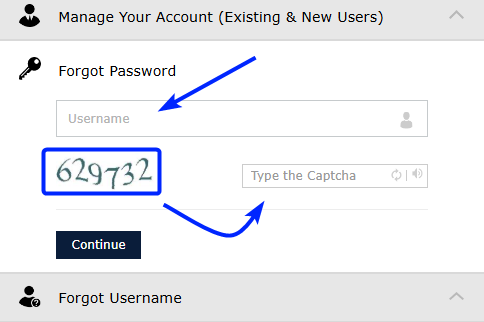
Click on the Forgot Password section, type your Lehman Login Account Username, enter the 6-digit captcha verification code shown, and click on Continue.
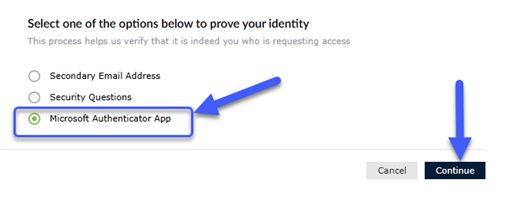
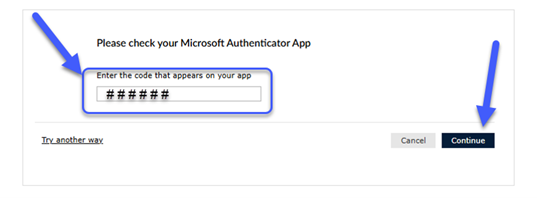
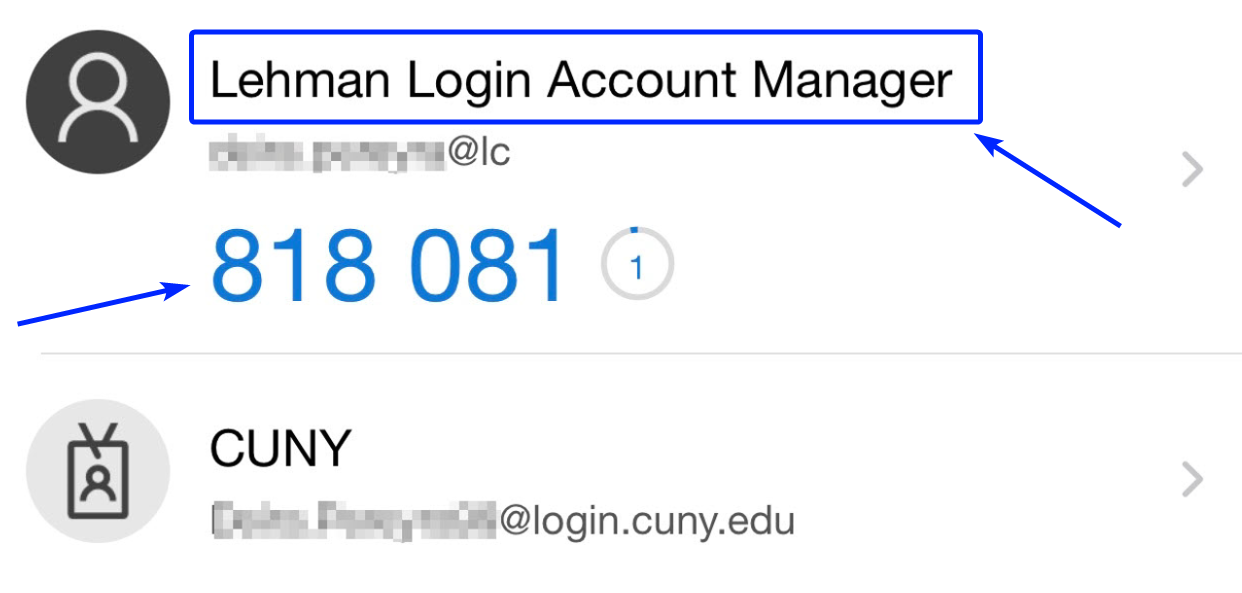
Select Microsoft Authenticator App. Click on Continue.