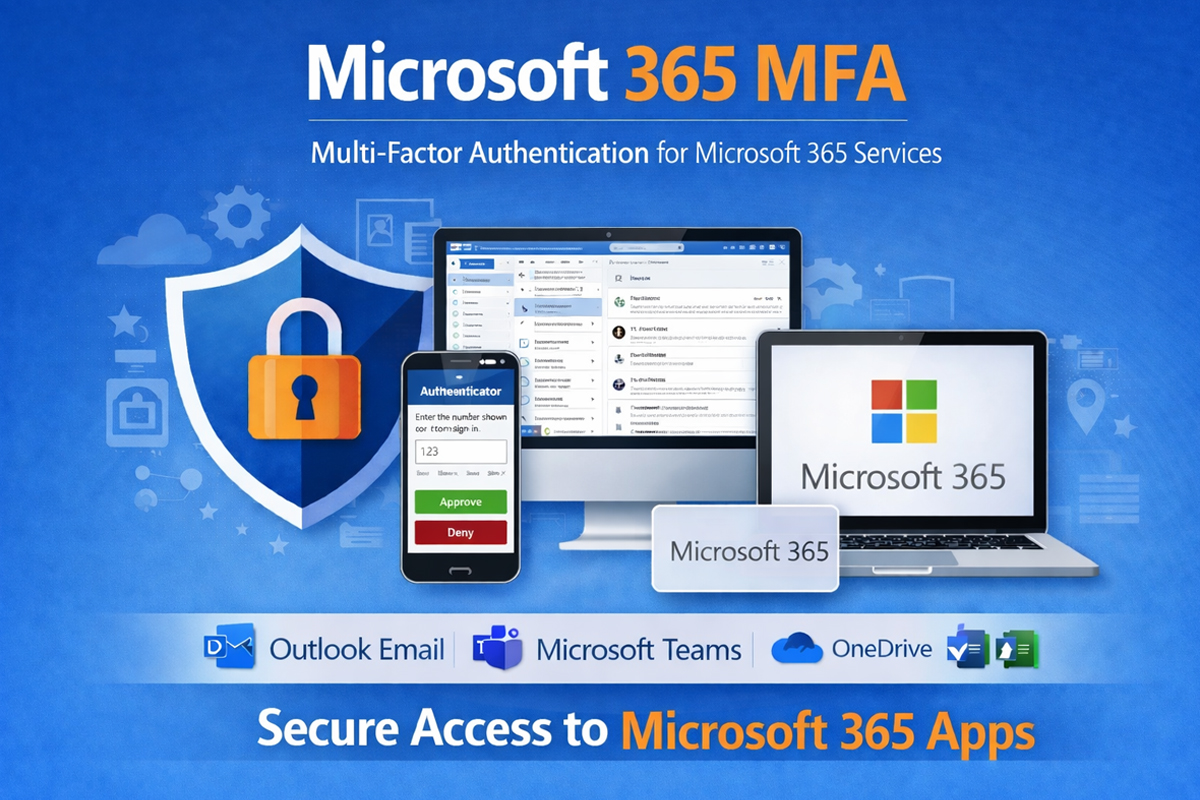







MFA for CUNY Login and Microsoft Office 365

Multi-Factor Authentication (MFA) is an added security measure that helps protect accounts from unauthorized access, including attempts to steal usernames and passwords. It has become a standard security practice across most organizations. MFA strengthens the security of CUNY systems by requiring an additional form of verification when signing in, such as approval through an authentication app, a text message to your mobile phone, or other verification methods.
Key Benefits of MFA Include:
Reduced risk of compromised accounts
Better protection against malicious threats, such as ransomware and impersonation attempts
Stronger security for systems and institutional data
Improved email security and reputation by reducing phishing and spam risks
Enhanced identity and access management
This page provides guidance on Multi - Factor Authentication (MFA) for both your CUNY Login Account and your Microsoft Office 365 Account. Because these are separate systems used to access different services, each requires its own MFA setup and management.
Use the information below to understand the difference and complete the appropriate steps for each account.
Understand the Difference and Complete the Appropriate Steps for Each Account |
||
|---|---|---|
| CUNY Login MFA | Microsoft Office 365 MFA | |
| Used for | Access to CUNY-wide systems that use CUNY Login Single Sign-On (SSO) | Access to Microsoft 365 apps provided by CUNY |
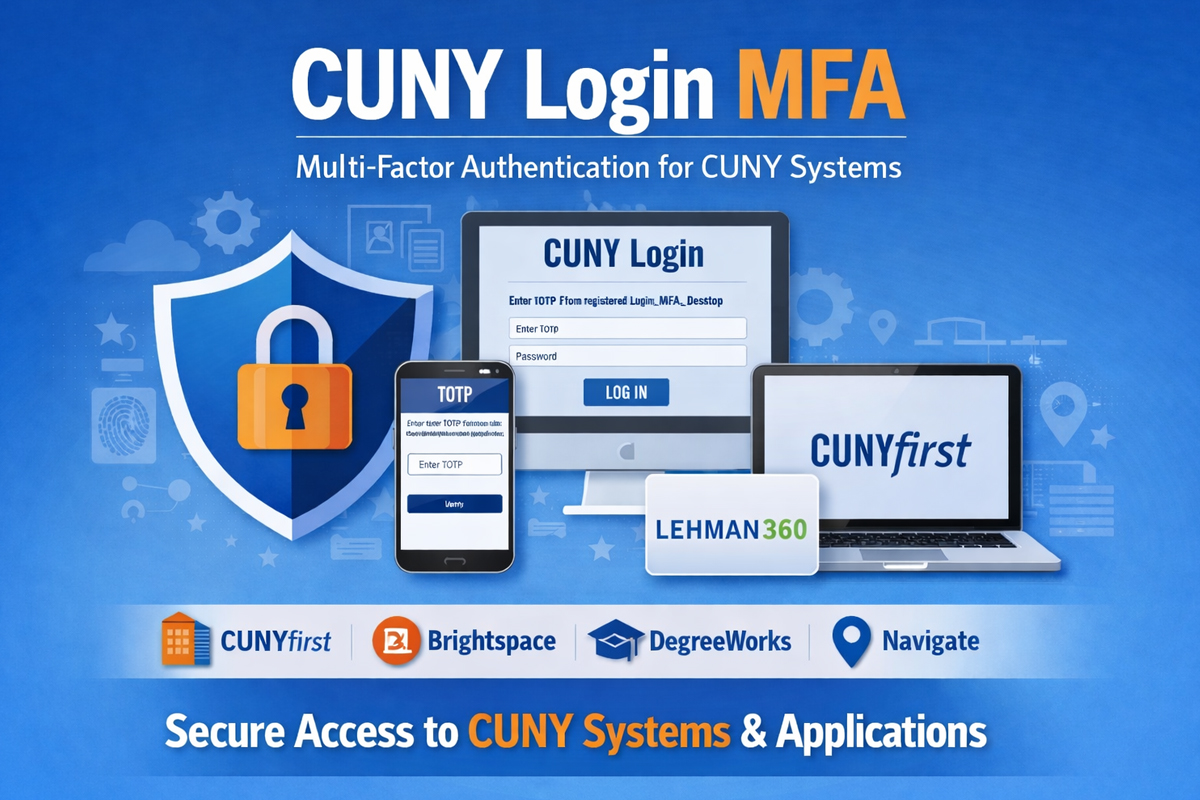
| Examples | CUNYfirst, CUNYBuy, Brightspace, Zoom, DegreeWorks, Navigate,Lehman360,and others CUNY SSO-enabled applications listed on the college’s Login page. | Faculty, staff, and student email, Teams, OneDrive, Word, Excel, PowerPoint, and other Microsoft Office365 apps. |
| Account used to sign-In |
Your CUNY Login account
|
Your CUNY Login account
|
| MFA prompt comes from |
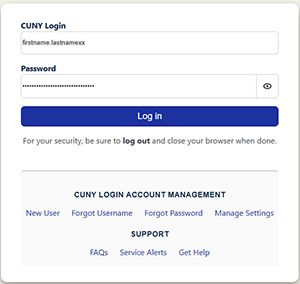
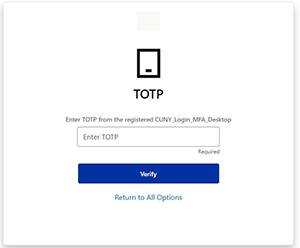
The CUNY Login authentication process:
|
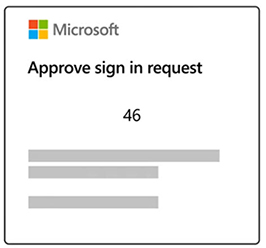
The Microsoft authentication process:
|
| When to use it | When logging in to a CUNY system that directs you to the CUNY Login sign-in page | When logging in to your email or other Microsoft Office 365 apps |
| Is it the same as the other MFA? | No. It is separate from Microsoft Office365 MFA | No. It is separate from CUNY Login MFA |
| Important Note | Setting up CUNY Login MFA does not setup Microsoft Office365 MFA | Setting up Microsoft Office365 MFA does not set up CUNY Login MFA |