






Academic & Campus Technology Support Services (ACTSS) and Office of Digital Inclusion (ODI)
Technology That Moves Learning Forward
Connecting Lehman students, faculty, and staff with the technology, spaces, equipment, and guidance they need to learn, teach, collaborate, and create.
ODI Mission Statement
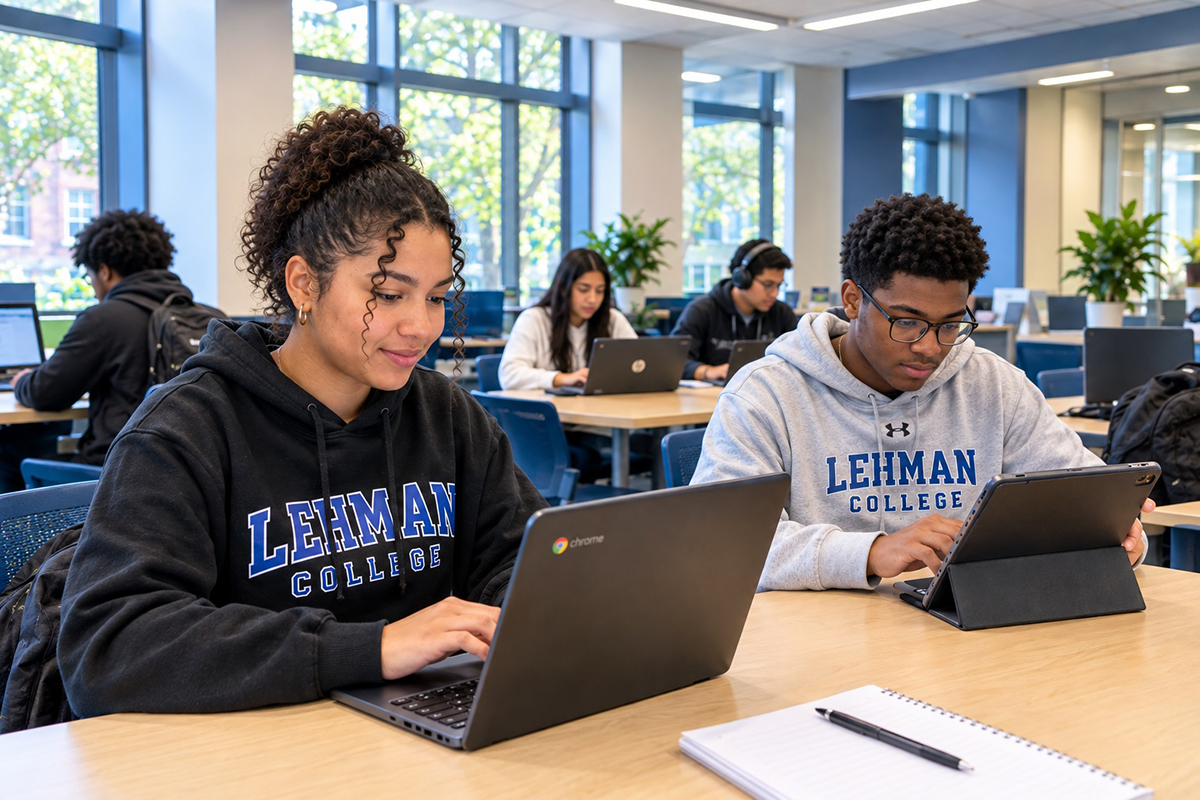
 The Office of Digital Inclusion (ODI) at Lehman College empowers students by providing equitable access to technology, resources, and support services. We work to bridge the digital divide, remove barriers to technology access, and create opportunities for every student to succeed academically, develop digital skills, and achieve their educational and career goals.
Borrow a Chromebook or iPad with your Lehman ID

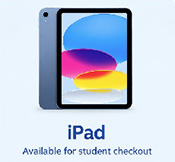
Use WebCheckout to reserve technology equipment for your academic needs.
Reserve an iPad or Chromebook, then visit ODI in Carman Hall, Room 140.
WebCheckOut
Scan the QR Code below or visit this page to reserve technology equipment for your academic needs.

Reserve a Chromebook, then visit ODI in
Carman Hall, Room 140. See Instructions.
- Great for Coursework and Writing
- Google Docs, Sheets, Slides
- Full Keyboard, Web and Research
Reserve an iPad, then visit ODI in
Carman Hall, Room 140. See Instructions.
- Great for Reading and Textbooks
- Video, Audio and Creative Apps
- Touchscreen, Lightweight and Portable
Important Loaner-Device Reminders
Before and During Pickup
Bring your Lehman College ID and verify the device and accessories.
Return on Time
Return the device and all accessories by the date listed in WebCheckout.
Report Problems
Report lost, stolen, damaged, or malfunctioning equipment immediately. See FAQs for details.
Technology Access and Support Across Campus
We support the technology-enabled spaces and services used by Lehman students, faculty, staff, and campus partners.
Academic & Campus Technology Support Services
For Faculty & Staff ONLY
Learning Environments That Work
Academic and Campus Technology Support Services (ACTSS) provides technology support for Lehman College faculty and staff and supports the technology infrastructure used in academic and instructional computer labs. ACTSS helps maintain reliable technology environments that support teaching, learning, and campus operations.
- Faculty & Staff Technology Support
- Academic Technology Support
- Computer & Equipment Support
- Technology Troubleshooting
- Computer Lab Support
Office of Digital Inclusion
ODI
For Students ONLY
Technology Access for Student Success
ODI helps close technology access gaps by connecting eligible Lehman students with semester-based loaner devices and technical support.
- Request and pick up a Chromebook or iPad
- Return or request an extension for a device
- Report a damaged or malfunctioning loaner
- Get support at Carman Hall, Room 140
Need Technology Support?
*Student loaner device reservations are provided through the Office of Digital Inclusion (ODI), not ACTSS.
Find the Technology Service You Need
From account access and classroom support to creative production and loaner technology, our teams are here to help.
Support for the Lehman Community
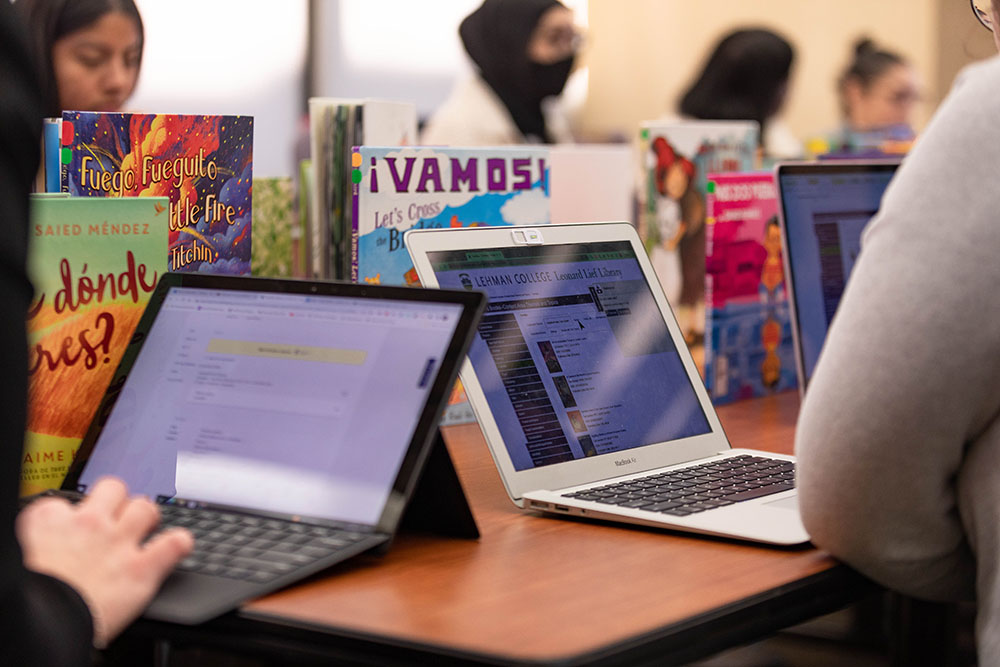
Support for accounts, passwords, email, MFA, Wi-Fi, software, and campus technology.
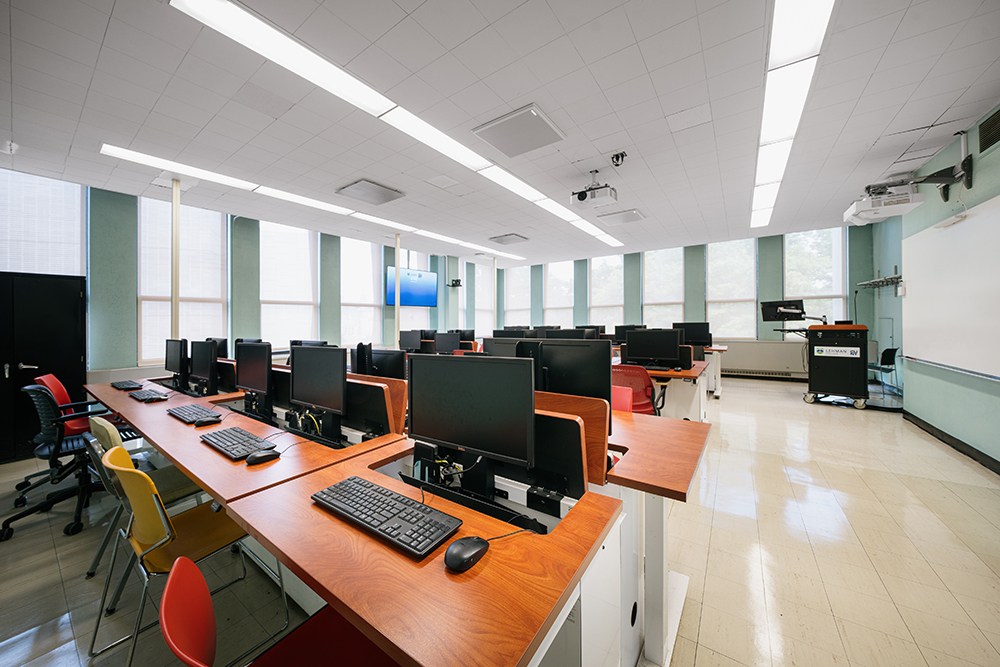
Assistance with technology-enhanced classrooms, presentations, and instructional equipment.

Guidance for Lehman’s digital learning environment and related academic technologies.
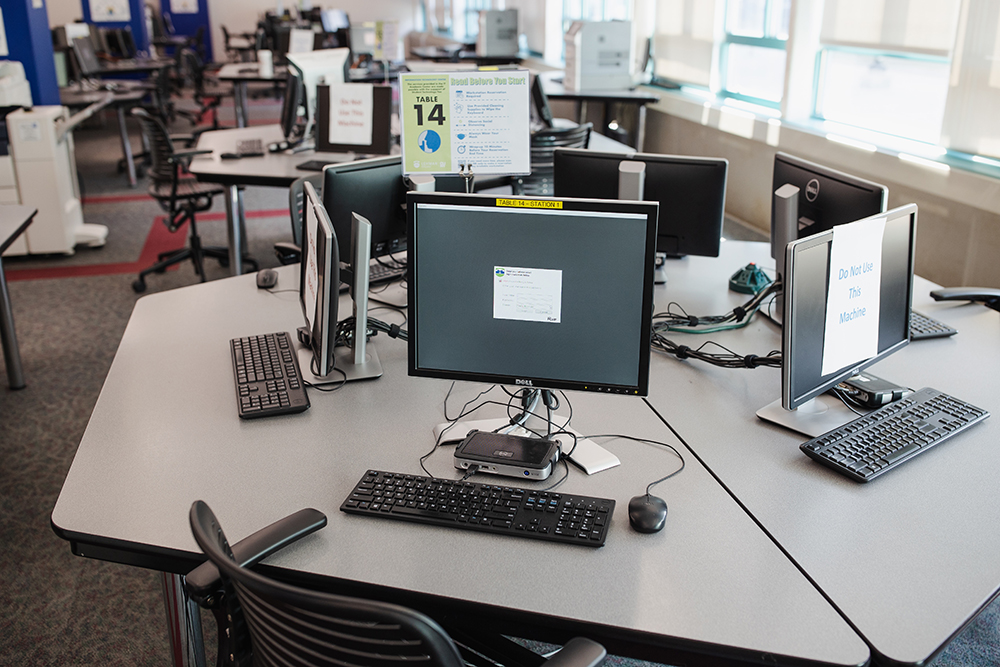
Computer labs, printing, scanning, and software in the Academic IT Center.

Equipment and technology support for classes, presentations, and campus events.
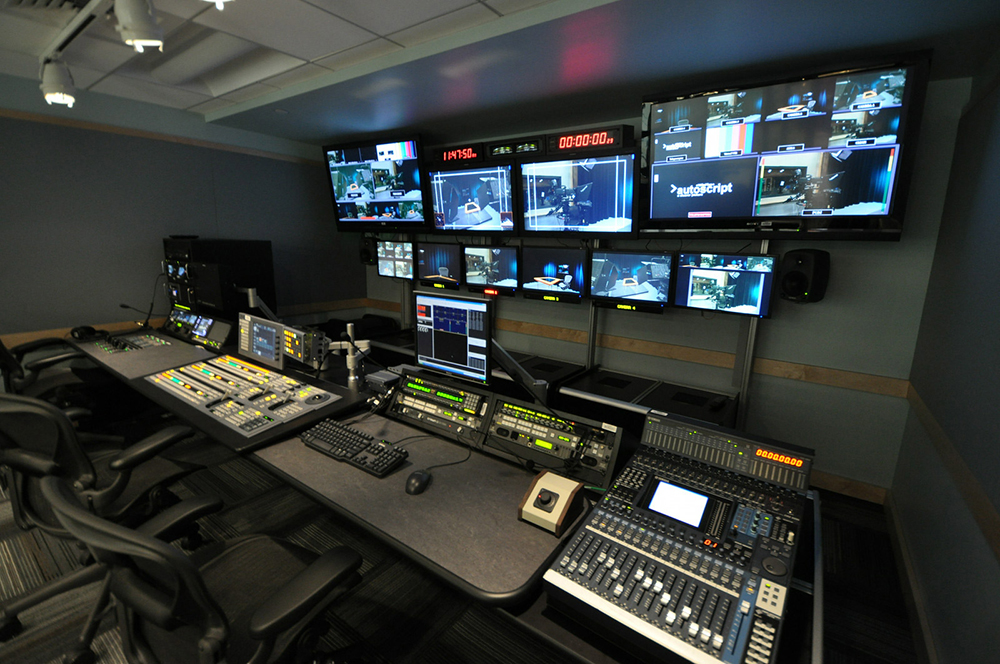
Video, photography, audio production, studios, editing suites, and creative facilities.
Visit ODI
Carman Hall, Room 140
Office of Digital Inclusion (ODI)
Office Hours
Monday - Friday
9:00AM - 4:00 PM
Note: Closed on Holidays
See Academic Calendar for Holidays